From the workshop / Tool
Mycelium SQL
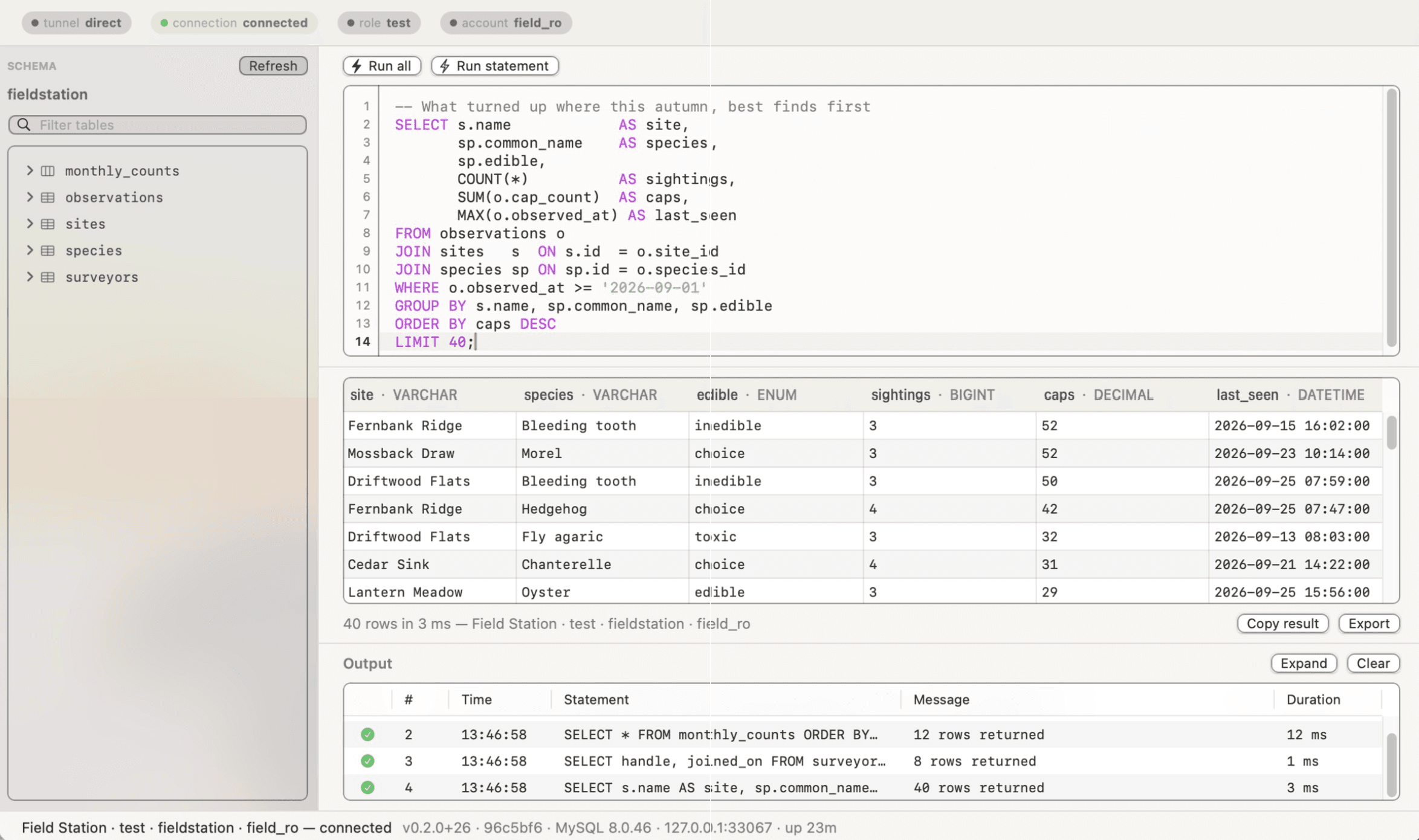
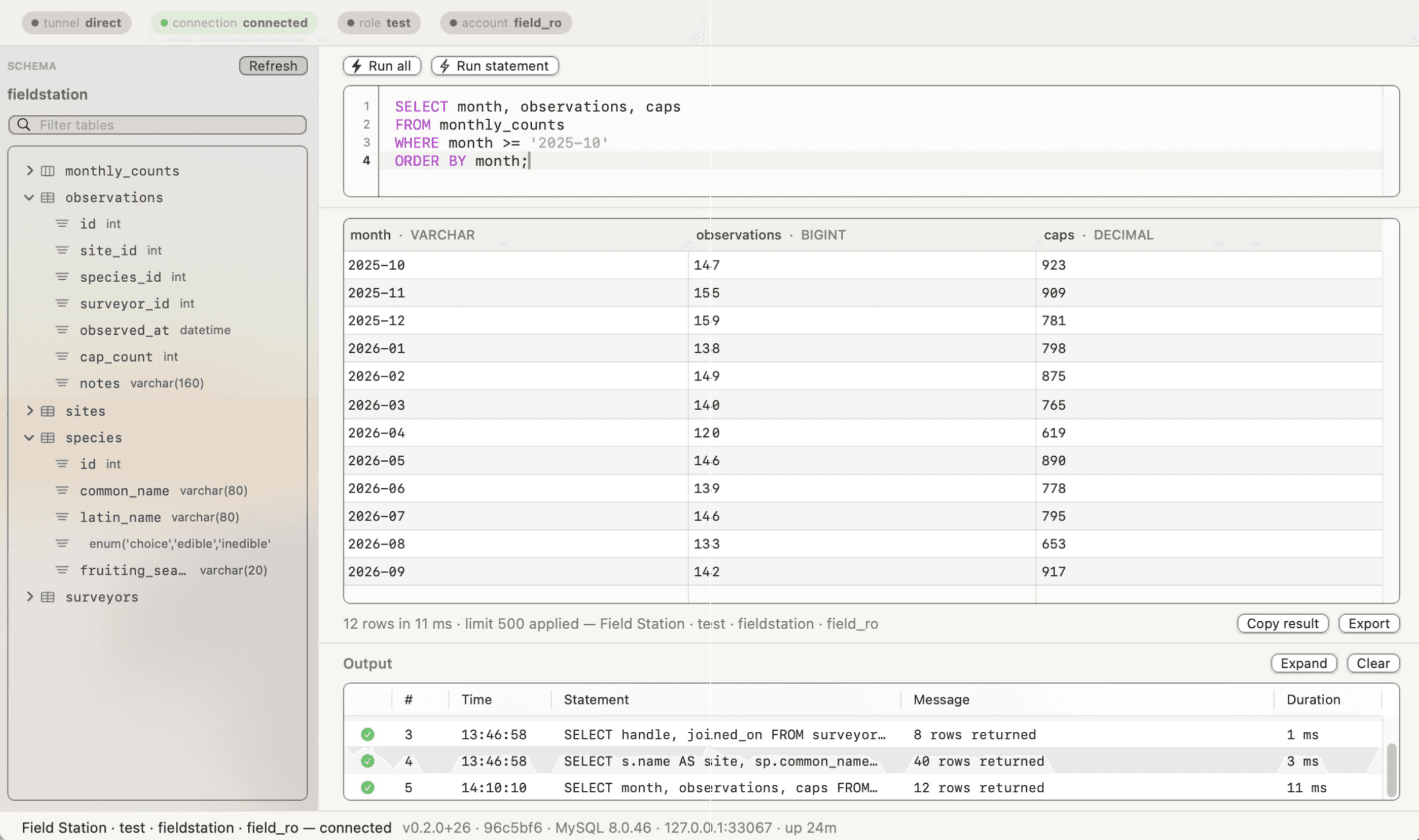
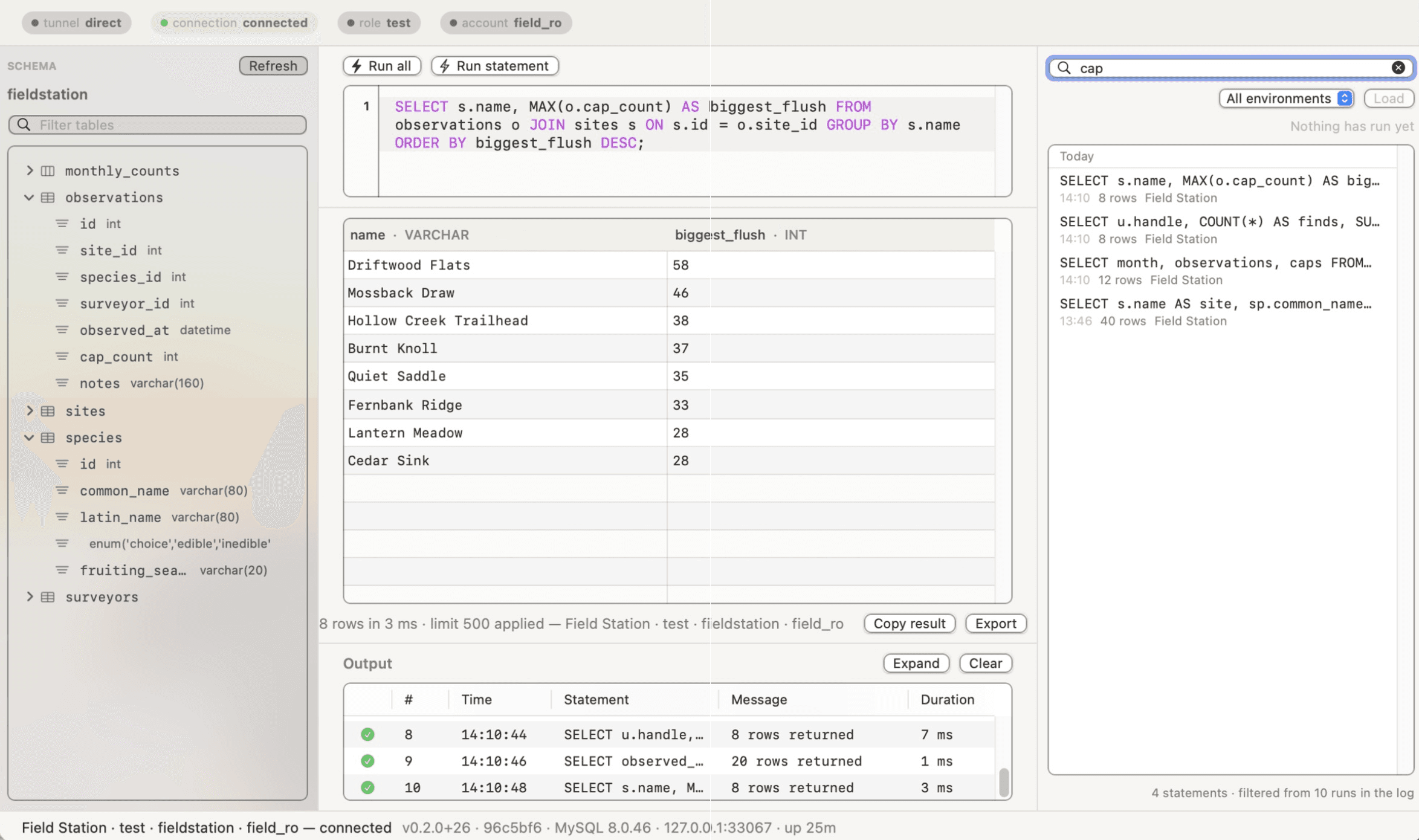
A local-first SQL client for MySQL servers, reached directly or through an ssh bastion. Pin one connection, then work in an editor, a results grid, a run log, a searchable history and a schema browser in one window.
Download for Mac
Inside the project.
A SQL client for MySQL servers, reached directly or through an ssh bastion. Connections are added from inside the app, a bastion's tunnel is raised with your own ssh, and a connection is pinned rather than juggled — one editor, one results grid, one run log, a searchable history and a schema browser, all in the same window.
It is meant as the day-to-day replacement for MySQL Workbench on a Mac. The differences are the ones that bite daily rather than the ones on a feature list: a native window instead of a cross-platform one, the bastion hop treated as the normal case rather than as configuration, and every query you have run kept in one searchable history instead of scattered across tabs you are afraid to close.
It ships with no connection targets: a fresh install connects to nothing until you add the first one. Passwords live in the login Keychain and nowhere else. A Go core owns the connection, the tunnel and the history; a Swift/AppKit window sits on top of it.
It is free, signed and notarized, and it updates itself. The download is on its own page, which is also where the update feed every installed copy checks is served from.